Product notes: room readiness from housekeeping to reception
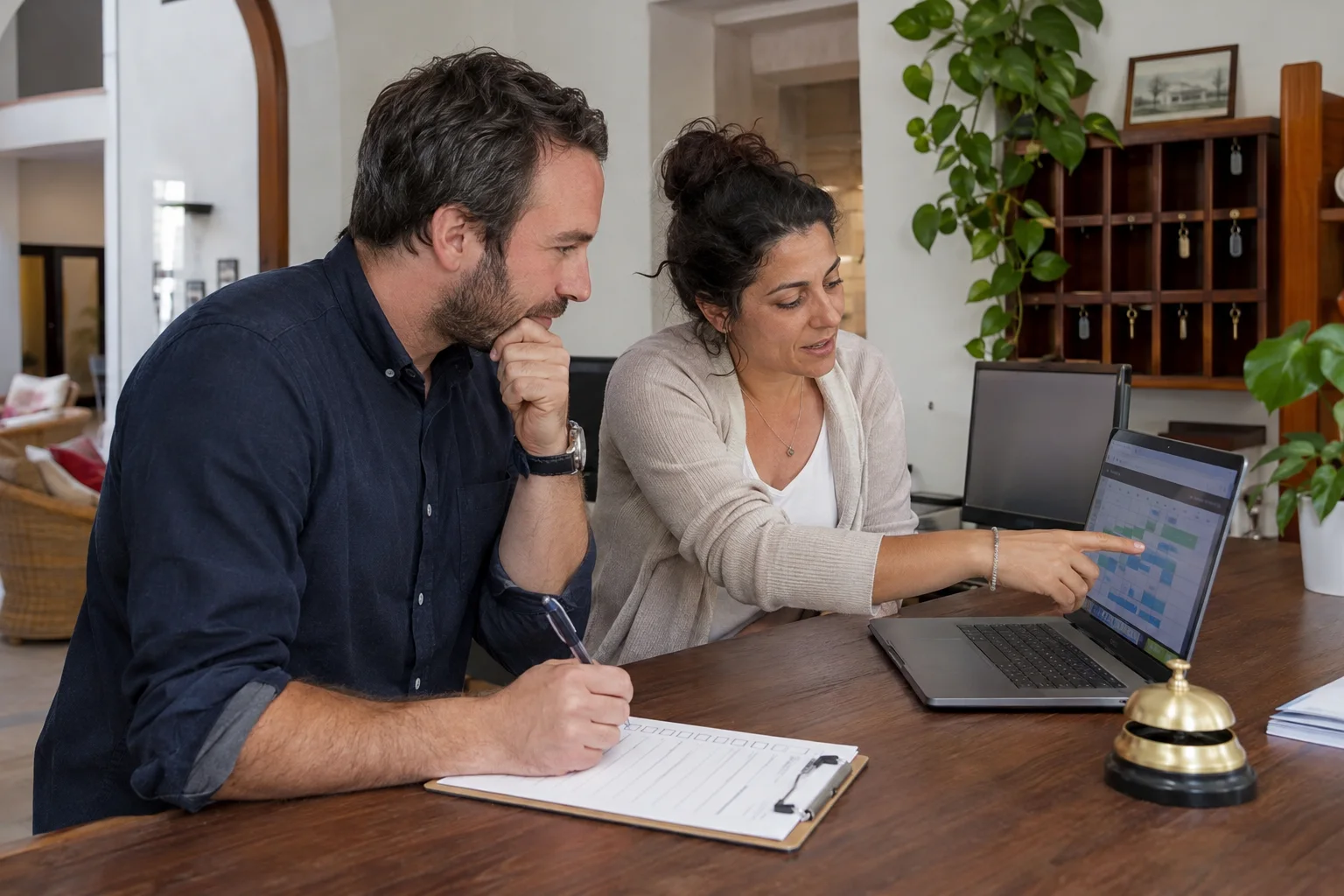
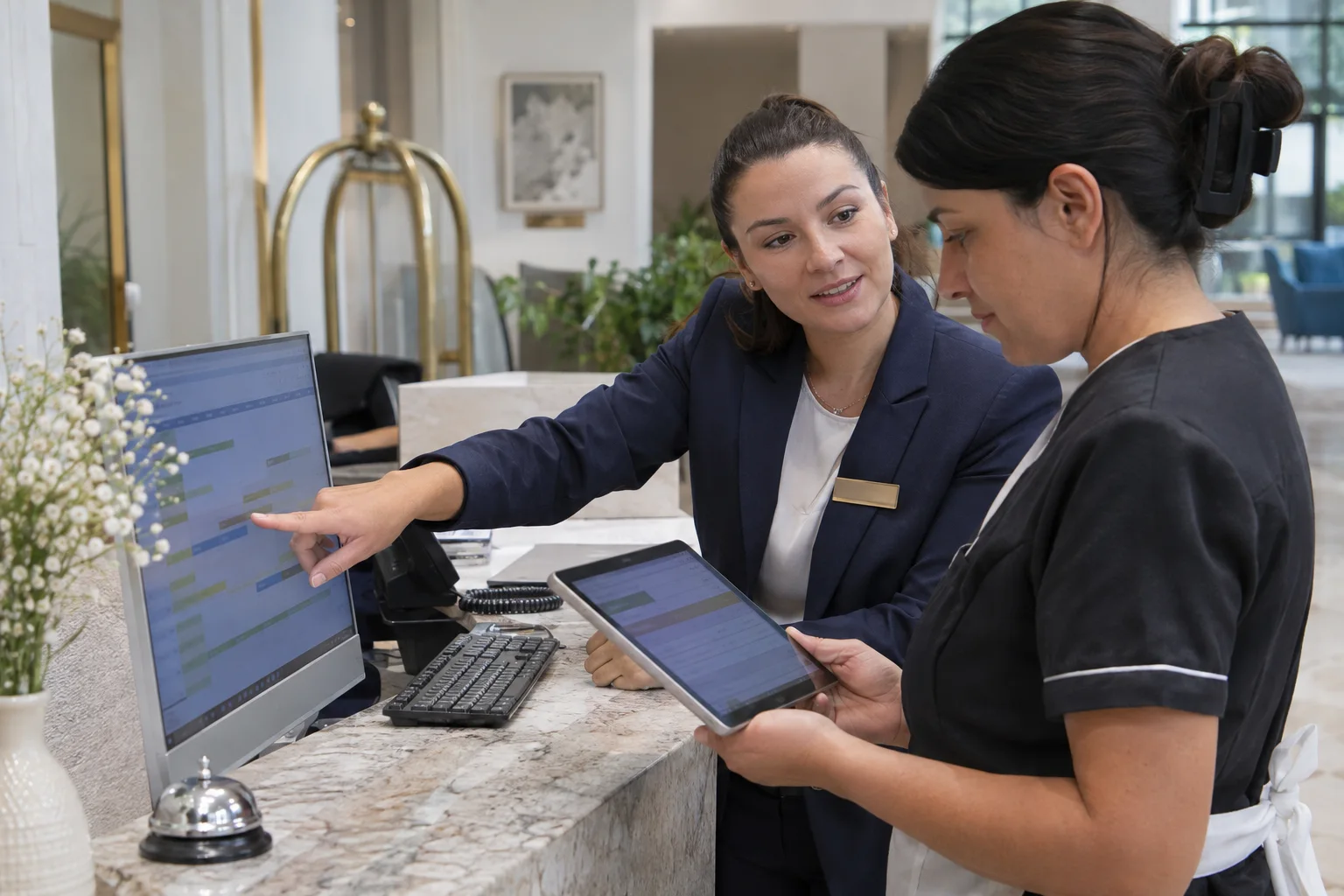
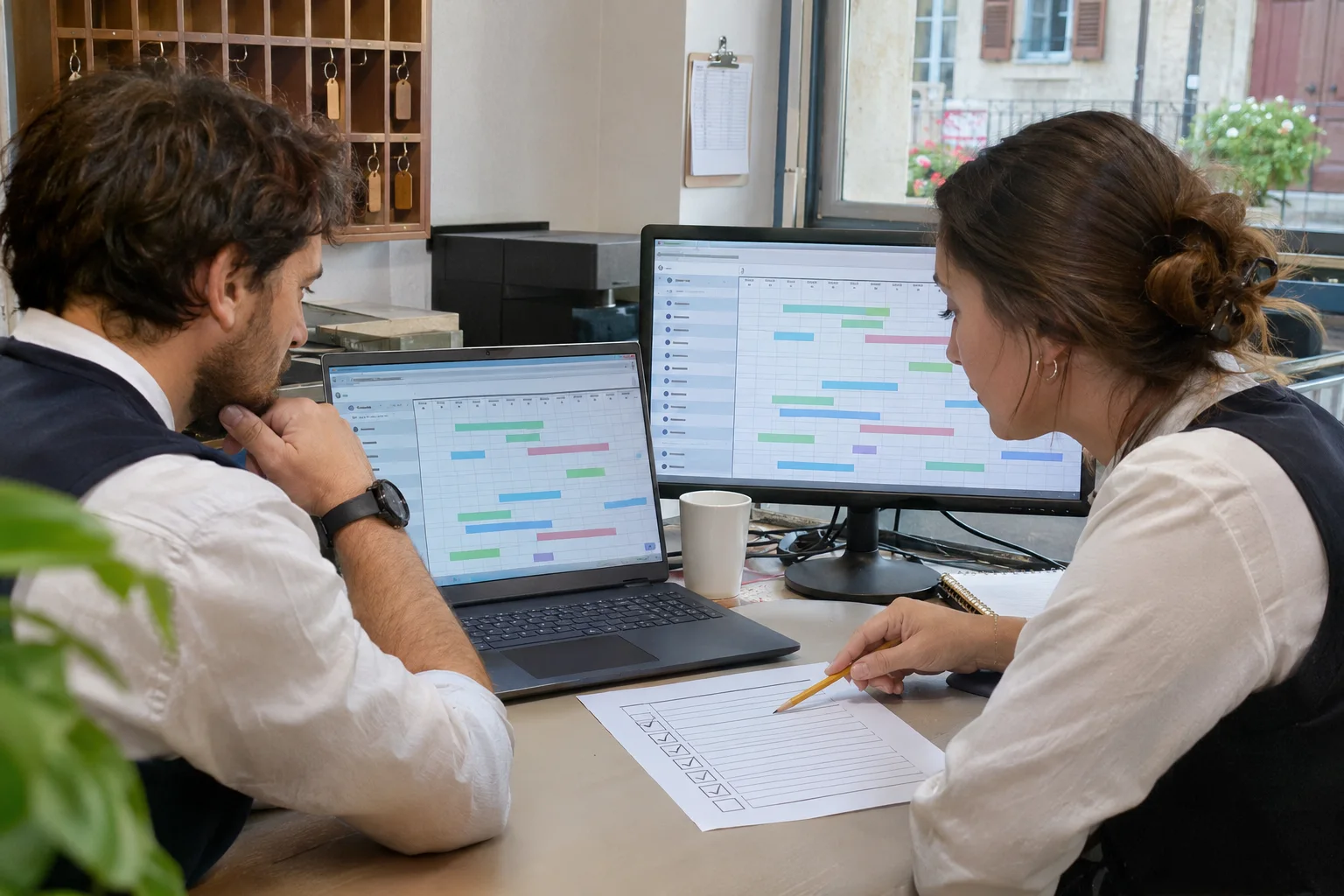
See how the Stayelier housekeeping board, room assignments and front-desk calendar support a shared view of room readiness in the demo.
The essentials
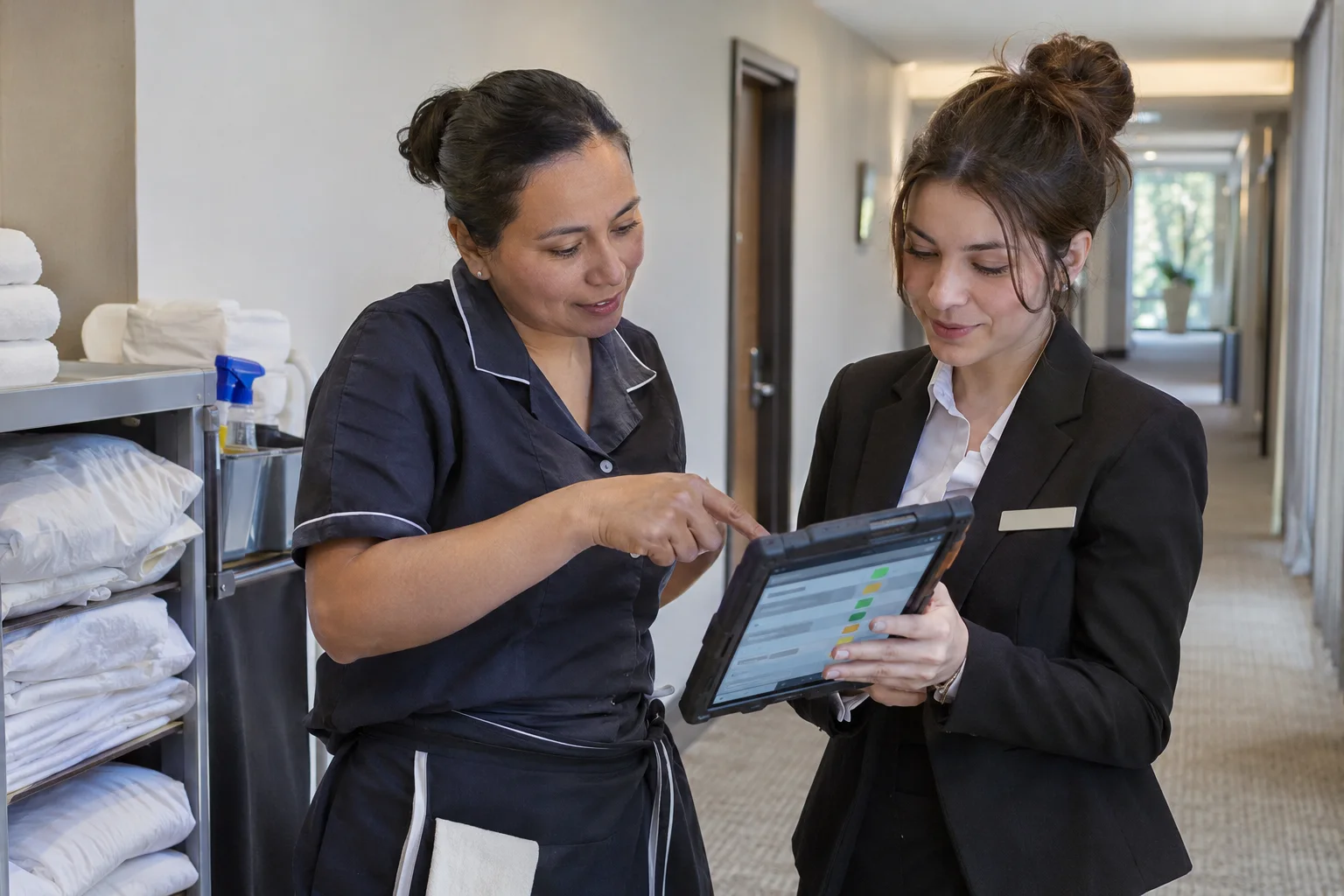
- The housekeeping board shows cleaning states, assignments and room notes.
- Reception uses room readiness alongside reservation and physical-room information.
- The walkthrough uses sample demo data; it is not a customer deployment or measured result.
A shared housekeeping board
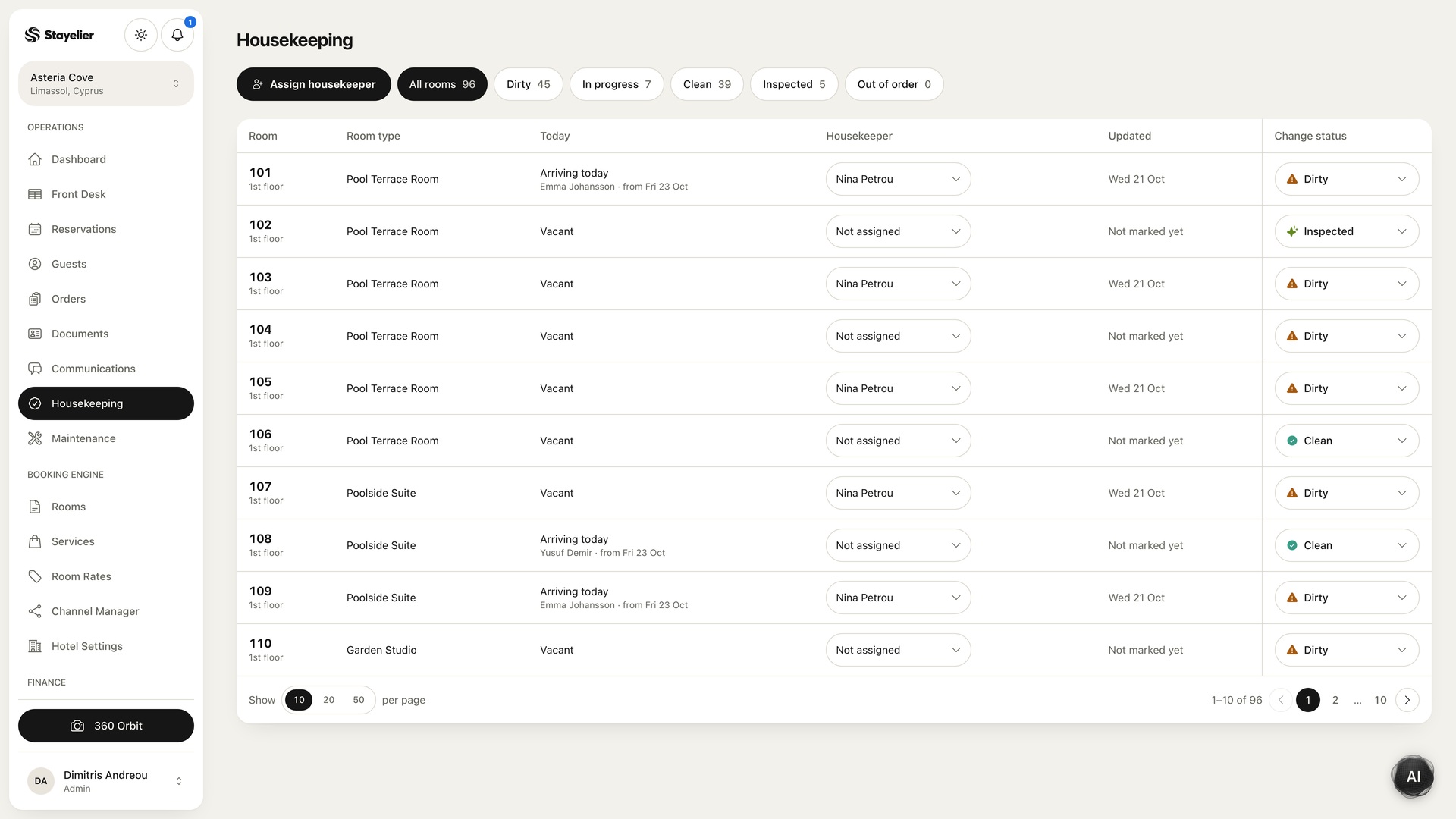
The Stayelier housekeeping workspace tracks rooms through dirty, cleaning, clean and inspected states. It shows assigned housekeepers and room notes, giving reception a shared view of readiness. Use those states consistently: your hotel should decide who can confirm that a room is ready for an arriving guest.
Follow the sample room to reception
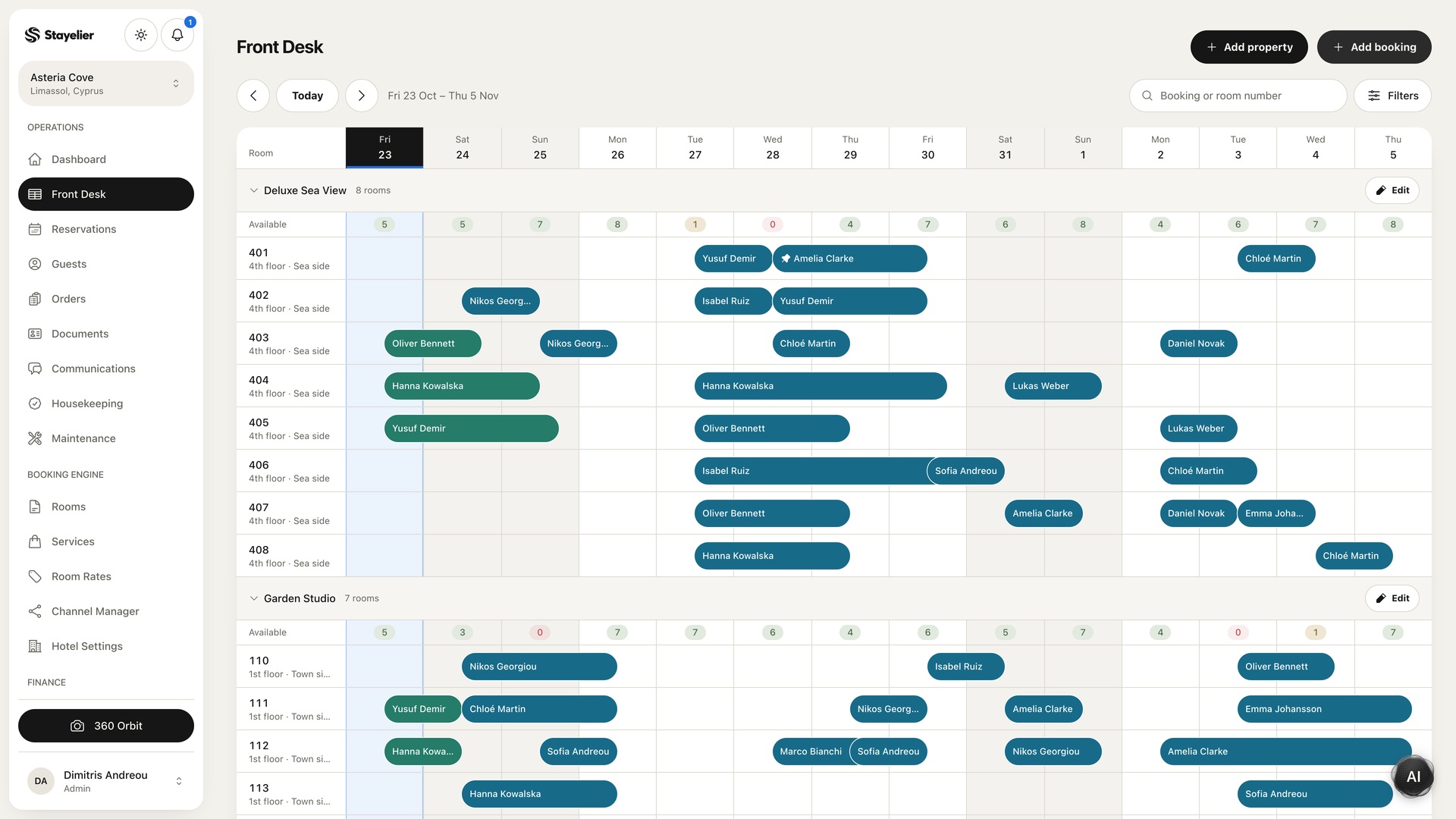
Demo walkthrough: select a sample room on the housekeeping board, inspect its status and assignment, then open the front-desk calendar to review the physical room and its stays. These captures show two parts of the available interface. A guided test in an agreed environment is the way to check your complete operational handover.
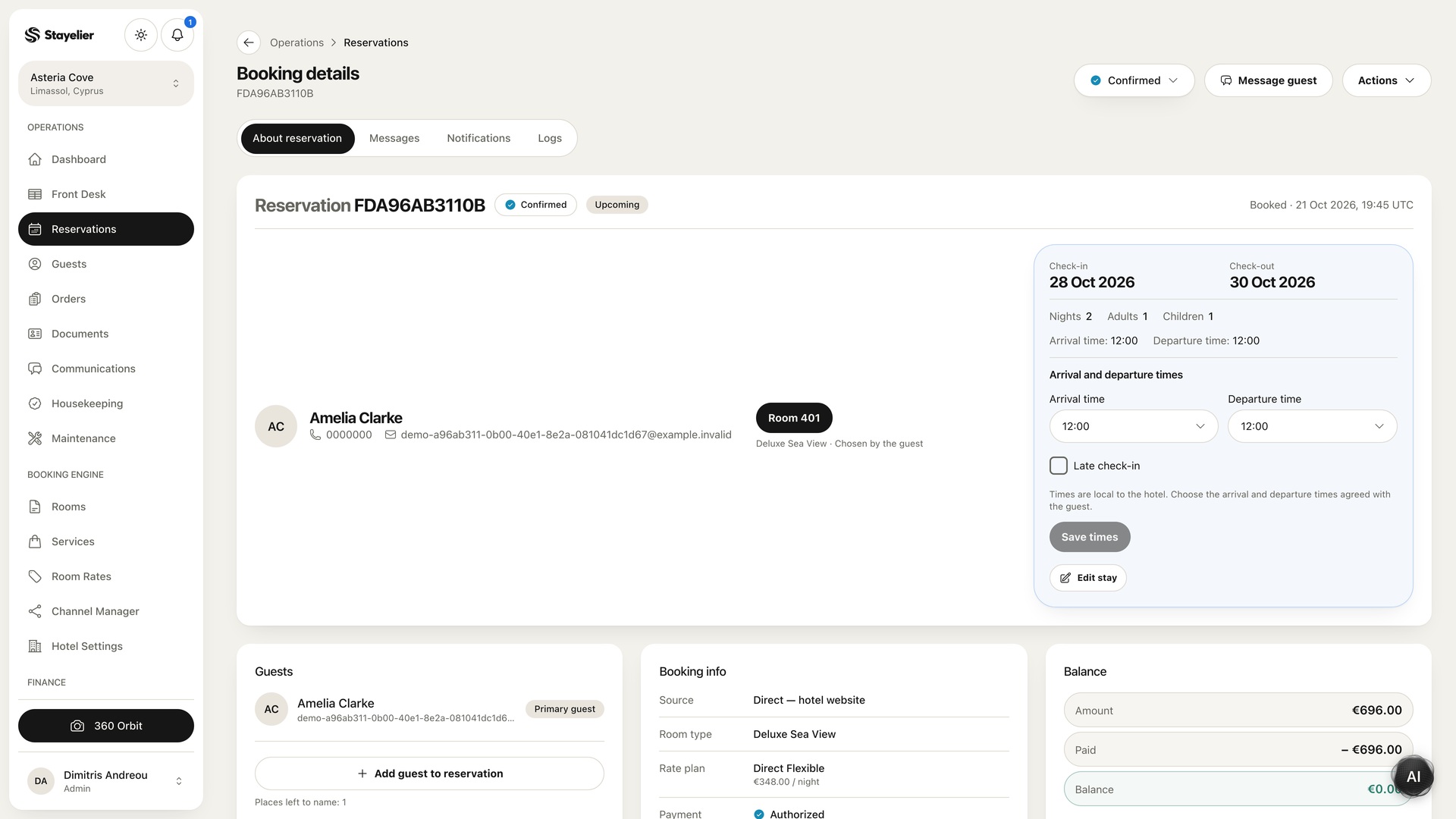
Reception can open a reservation, review the assigned room and inspect the stay details. Before moving a guest to a different room, review the dates, availability and readiness of the intended room.
Agree the team routine around the screen
- Reception identifies arrival priorities and the room that needs attention.
- Housekeeping follows the assigned work and records the agreed status.
- A responsible reviewer confirms the readiness condition used by the hotel.
- The next reception shift checks outstanding room work and its owner.
Bring your own room-readiness scenario to a demo
Choose a fictional arrival and explain how your team currently hands over the room. Ask for a walkthrough of assignment, cleaning state, inspection and reception review. Record what is demonstrated and any configuration questions before adopting the workflow.